



14 tips to become a master of hybrid meetings
Hybrid meetings have become increasingly common in the world of work, and they can be an effective way to bring together participants who are in different locations. However, as some participants are on-site while others participate remotely, hybrid meetings require some extra planning and thought to be truly successful.
In this article, we give you 14 tips on how to become a master of hybrid meetings to make the work ahead feel easier.
Preparations
Tip 1: Define the purpose and objectives of the meeting
What do you want to achieve with the meeting? What are the most important issues to discuss? Think about how best to involve remote participants in the discussions. Having a clear agenda will help you keep the meeting focused and productive.
Tip 2: Choose the right tool
There are many different hybrid meeting platforms to choose from. Make sure to choose a platform that is compatible with your equipment and has the features you need. An online tool to ask questions and vote is a good idea.
Tip 3: Test the technology in advance
Make sure that all technology, including microphones, cameras and projectors, are working properly before starting the meeting. Ask the moderator to practice if there is uncertainty in front of the camera. It often takes a lot of practice to make it look relaxed.
Tip 4: Send out a clear meeting invitation
The invitation should contain all relevant information about the meeting, including date, time, agenda and link to the meeting.
Tip 5: Prepare the meeting material
If you have any material you want to share with participants, make sure you send it out in advance so they can read it before the meeting.

During the meeting
Tip 6: Create an inclusive atmosphere
Make sure that all participants, both on-site and online, feel welcome and included. Ask those online to keep their cameras on.
Tip 7: Use clear and concise communication
Speak clearly and at a moderate pace. Feel free to use visual support, such as pictures or presentation slides. With many participants online, it is an advantage to have two moderators. One focuses on the participants in the room while the other addresses the participants behind the camera.
Tip 8: Be active and engaged
Ask questions, encourage discussion and actively listen to what the other participants have to say.
Tip 9: Use interactivity features
Most hybrid meeting platforms have interactivity features, such as chat, show of hands and Q&A. Use these features to engage participants and make them feel involved.
Tip 10: Handle technology in a professional way
If you have problems with the technology, ask for help from a colleague or from the meeting platform support team. At IVA Conference Centre, we have our own technicians available for support to make the meeting run smoothly.
Tip 11: Summarise the meeting and send out action points
After the meeting, summarise the main points discussed and send out action points to all participants. It also serves as a good reminder of the day.
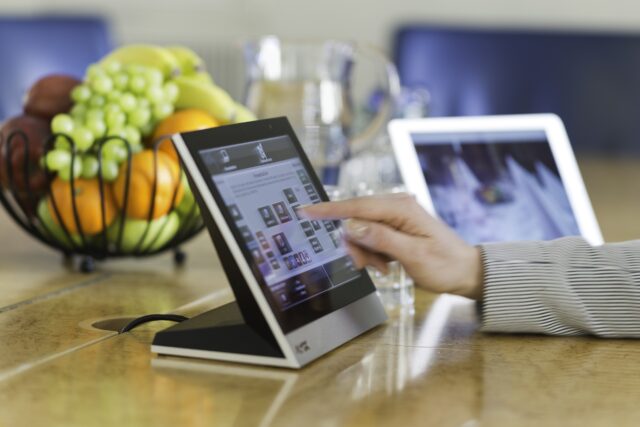
Detail from a conference room
After the meeting
Tip 12: Get feedback and evaluate the meeting
Ask participants for feedback on how the meeting went and let them evaluate the meeting before it ends. It is usually best to get quick feedback on selected issues right away. Think about what worked well and what could have been done better. Use this feedback to improve your future hybrid meetings. One tip is to give feedback to participants who asked questions that were not answered during the meeting, or to post unanswered questions on a forum for further discussion.
Tip 13: Deal with unanswered questions
Provide feedback to participants who asked questions that could not be answered during the meeting. One option is to post unanswered questions on a forum or digital platform where the discussion can continue after the meeting. This ensures that all participants' concerns are addressed and that valuable information is not lost, regardless of whether they participated in person or via a link.
Tip 14: Keep learning
There are always new things to learn about hybrid meetings. Read articles, watch webinars and attend workshops to improve your skills.
By following these tips, you can create effective and engaging hybrid meetings that make all participants feel involved.
Bonus tips
At IVA Conference Centre, we are more than happy to go the extra mile! That also includes our knowledge articles and therefore here are 3 bonus tips:
- Use a virtual background to create a professional environment.
- Switch off your microphone and camera when you are not speaking.
- Take short breaks during the meeting to avoid getting tired and losing focus.
If you have more questions or concerns about organising really successful hybrid meetings, or conferences in general, please You are very welcome to contact us. Good luck with your hybrid meetings!